Contacts and messaging
Phone, email, WhatsApp, your website and social links on one page.
REVIEWTAP DIGITAL NFC BUSINESS CARDS
Your contacts, website and messaging links in one digital business card. Share it through NFC, a QR code or a link. Update your details from your account.
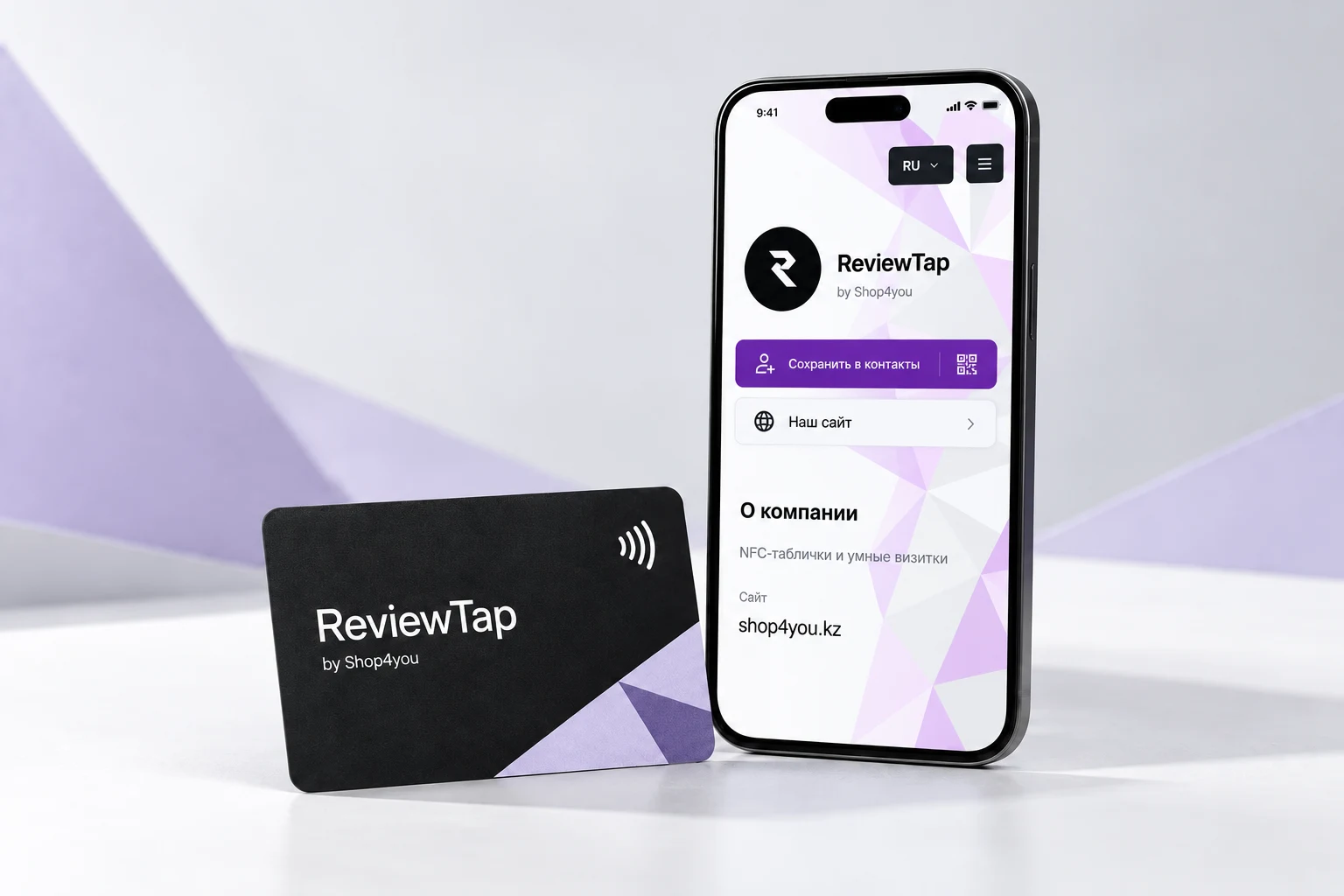
ReviewTap by Shop4you brings contact details together for businesses, professionals and teams in Kazakhstan. Visitors can open your website, message you or save your contact. Use the same link on an NFC card, in a QR code or in your message signature.
Phone, email, WhatsApp, your website and social links on one page.
Visitors open the contact file and add your details to their address book.
Visitors choose their language. Automatic translation is available for business card text.
Add a photo, contacts and links.
Put your link on a physical card or use a QR code.
In person, in a message or on social media.
It is a page with your contacts, website and messaging links. Tapping an NFC card with a compatible phone opens that page. The QR code and ordinary link open the same page.
No, the card opens in a browser and requires internet access. If a phone does not support NFC, visitors can use a QR code or link.
Keep the same page address and your existing NFC card and QR code will still work. Edit your details in your account to update what visitors see.
Yes. Send your page link in messages or show its QR code. A physical NFC card is an additional way to share the page.
A VCF contact file opens or downloads. Confirm adding it to your phone address book, or import the file into a contacts app on your computer.
Use the language menu at the top of the page. The interface supports Russian, Kazakh and English. Automatic translation of user text depends on service availability and limits.
Bring all your contacts together.